
Last verified: June 2026 — sign-up flows checked directly on Android and iOS browsers.

There’s a specific kind of annoyance that happens when you go looking for a “free” AI tool, get excited about trying it, and then hit a screen asking for your card number before you’ve even sent your first message. It happens more than it should, and if you’re new to AI, it can make the whole thing feel like a scam waiting to happen.
It isn’t always one. But you do need to know which tools are actually free, and which ones are just dressed-up trials. So instead of writing another generic “best AI tools” roundup, I went through twelve tools myself — on my phone, not a laptop — and signed up for each one the way a real beginner would, just to see what actually happens before any payment screen could show up.
Here’s exactly what I found.
Many beginners specifically search for free AI tools with no credit card needed because they want to learn and experiment without any financial commitment.
Quick Summary
| What You’ll Learn | Details |
|---|---|
| Tools tested | 12 free AI tools, no card required |
| Tested on | Mobile browser + apps (Android & iOS) |
| Sign-up method used | Email or Google/Apple sign-in only |
| Card requested at any point? | No, for every tool listed |
| Time per sign-up | Roughly 2–4 minutes each |
| Cost | $0, with usage caps on most tools |
The goal of this guide is to identify genuinely free AI tools with no credit card needed rather than temporary free trials.
Why So Many “Free” AI Tools Aren’t Really Free
This confusion isn’t accidental. A lot of platforms use the word “free” to describe a trial period, and trials almost always want your card details upfront, even when they promise “you won’t be charged yet.” Technically true, but it still puts your card on file, and auto-renewals are easy to forget about.
For this guide, the rule was simple: if a tool asked for billing information at any point during sign-up or in the first few uses, it didn’t make the list. Everything below uses just an email address or a Google/Apple account.
If you prefer using AI tools without creating an account at all, our Free AI Tools Without Sign Up 2026 guide lists the best no-email options tested for beginners.
The 12 Free AI Tools I Tested (No Card Required)
1. ChatGPT Free
Sign-up took under two minutes using a Google account, no card screen at any point. On mobile, the free tier gave me a workable number of messages before hitting a temporary slowdown, after which it switched to a lighter model rather than blocking me entirely. Good for general writing, quick explanations, and brainstorming.
👉 If you want to learn how beginners are using AI for online income, check this guide on how to use ChatGPT to make money online in 2026 with simple steps.
2. Claude Free
Claude stood out for longer responses, things like outlining an essay or breaking down a complex topic step by step. The mobile site loads cleanly without needing the app, which matters if you’re on a slower connection. Daily usage resets after a few hours rather than a full 24-hour wait.
3. Google Gemini
If you already have a Gmail account, there’s effectively no separate sign-up step. Gemini opened directly through the Google app on my phone with no extra verification. Best suited for people who already live inside Google Docs and Sheets.
If you want a full honest comparison of AI tools, check this guide on best free AI tools in Pakistan 2026 (ChatGPT vs Gemini vs Claude) before choosing the right one.
4. Perplexity AI
This one’s built for research rather than casual chatting. Free searches came with source links attached to every answer, which is genuinely useful if you’re fact-checking something or working on an assignment. No card requested, and the daily basic search allowance felt generous in everyday testing.
5. Canva AI (Free Tier)
Canva’s mobile app made this one of the smoothest experiences on the list. The AI features, background removal, text-to-image, magic resize, worked directly inside the free plan, though some templates are Pro-locked. Still, enough free functionality here for basic design work.
👉 If you want to create professional designs without paying anything, check this guide on 5 free AI design tools in 2026 (no credit card required).
6. Google NotebookLM
Underrated for students. You upload your own notes or documents, and it builds a mini AI assistant trained only on that material. No card needed, and the free version doesn’t appear to cap usage in any meaningful way during normal use.
7. Microsoft Copilot (Free)
Available directly through the Edge mobile app or as a standalone app, Copilot’s free tier includes image generation and general chat with no card prompt. Slightly more conservative on daily image generations compared to dedicated tools like Canva.
8. DeepSeek
A newer name to a lot of beginners, but sign-up was straightforward with just an email. Strong for reasoning-heavy questions, and the free tier currently has no hard daily cap in casual use, though that’s worth rechecking periodically since free model access tends to shift.
9. HuggingChat
This one’s a bit more technical-feeling but completely free with no account limits tied to billing. It gives access to multiple open-source models, useful if you want to compare different AI “personalities” without paying for any of them.
10. Leonardo AI
For image generation specifically, Leonardo’s free daily credits were enough to generate a small batch of images per day. Mobile browser worked fine, though the app experience was smoother.
11. Grammarly (Free Tier)
Not a chatbot, but worth including since most beginners eventually need writing cleanup. The free Chrome and mobile keyboard versions catch grammar and clarity issues without ever asking for a card.
👉 Not sure which writing tool is better? Compare Grammarly vs QuillBot for beginners in 2026 to find the right option for writing, editing, and improving content.
12. Mistral Le Chat
Less well-known outside Europe, but the free tier worked without any sign-up friction at all, just open and start typing. Useful as a backup when other tools hit their daily limits.
Whether you’re studying, completing assignments, or exploring online income, these best free AI tools for students in Pakistan 2026 can help you get started without spending money.
Free AI Tools Comparison Table
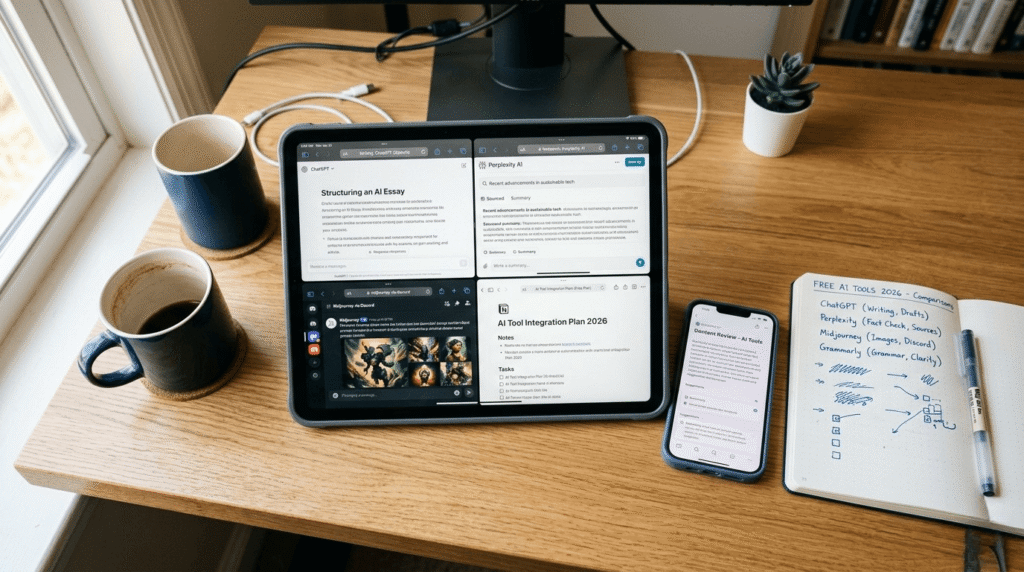
No credit card is a useful safety signal, but it isn’t enough on its own, so follow this free AI tools scam checklist to check the platform before creating an account.
| Tool | Best For | Free Limit (approx.) | Card Required |
|---|---|---|---|
| ChatGPT | General writing & chat | Daily cap, then lighter model | No |
| Claude | Long-form writing | Resets every few hours | No |
| Gemini | Google Workspace users | Generous daily use | No |
| Perplexity | Research with sources | Unlimited basic search | No |
| Canva AI | Design & graphics | Limited daily credits | No |
| NotebookLM | Document-based research | No meaningful cap | No |
| Copilot | Chat + images | Limited daily images | No |
| DeepSeek | Reasoning & coding | No hard cap currently | No |
| HuggingChat | Multi-model access | Unlimited | No |
| Leonardo AI | Image generation | Daily credit limit | No |
| Grammarly | Writing cleanup | Core features unlimited | No |
| Mistral Le Chat | Backup chatbot | No sign-up needed | No |
If you still face signup problems with certain platforms, it may be due to regional restrictions rather than the tool being unavailable. See our complete breakdown of free AI tools restricted in Pakistan and the best replacements.
Why Free AI Tools With No Credit Card Needed Are Growing in Popularity
The demand for free AI tools with no credit card needed has increased significantly as more people explore AI for learning, work, content creation, and everyday productivity. Many beginners hesitate to enter payment details before they understand how a tool works, which makes genuinely free options much more appealing. Instead of committing to a subscription immediately, users can test features, compare platforms, and build practical skills without any financial risk.
Another reason these tools are becoming popular is accessibility. Students, freelancers, and small business owners often operate on limited budgets, so having access to powerful AI capabilities without upfront costs creates new opportunities for learning and growth. As competition among AI companies continues to increase, more platforms are offering generous free plans to attract new users. This trend has made free AI tools with no credit card needed one of the most searched categories among people looking to start using AI in 2026.
How I Actually Tested These on Mobile
To verify these free AI tools with no credit card needed, every platform was tested through a real mobile sign-up process.
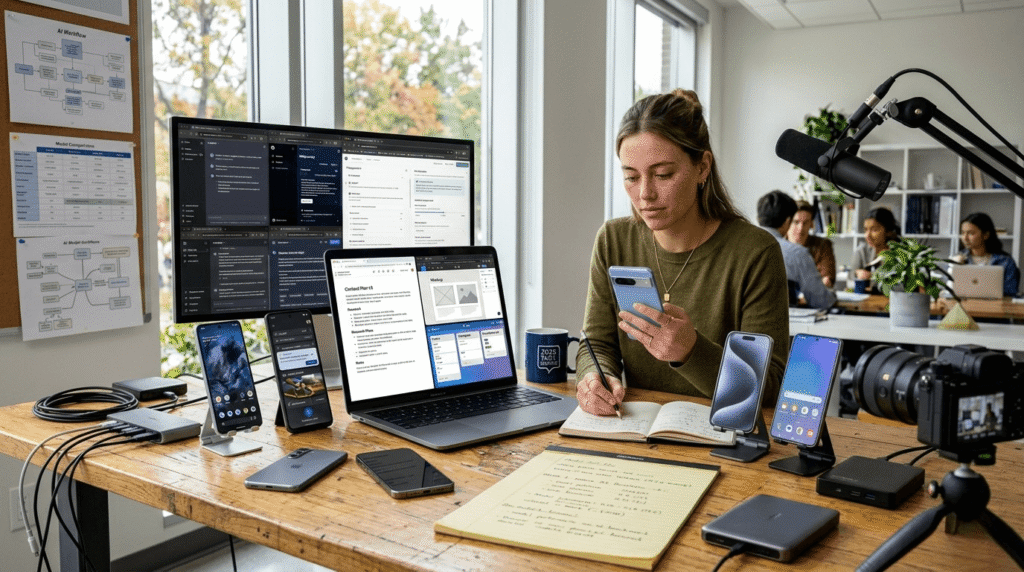
A lot of “best free AI tools” articles are clearly written from a desktop screen, then published as if mobile users were an afterthought. Since most beginners today are on a phone first, I deliberately tested everything that way:
- Opened every sign-up page through a mobile browser before trying any app
- Used only email or Google/Apple sign-in, never entered card details anywhere
- Watched for any tool that asked for billing info after a few prompts, not just at sign-up
- Noted how each interface scaled down on a smaller screen, since some desktop-first tools get cramped
- Tracked real usage limits I hit during actual use, not just what the marketing page claimed
A couple of tools technically advertise mobile support but feel noticeably better through their app than a browser, Leonardo AI and Copilot both fell into that category during testing.
👉 Want to see real beginner results? Check this 30-day phone-only AI tools test in 2026 to discover what actually happened using free AI tools.
Common Mistakes Beginners Make With Free AI Tools
Even when using free AI tools with no credit card needed, beginners often make mistakes that limit their experience.
- Assuming every “free” badge means the same thing. Some tools are genuinely card-free; others quietly ask for one after your first few interactions.
- Giving up after hitting a daily limit. Most caps reset within hours, not days, so a short break usually restores full access.
- Skipping Google/Apple sign-in for a random email. This sometimes triggers extra verification steps that feel like a wall but usually aren’t.
- Not checking regional availability. A handful of tools roll out new features by country, so something might appear slightly different depending on where you are.
- Trying all twelve tools in one sitting. It’s overwhelming and unnecessary, most beginners only need three or four to cover real needs.
Choosing the right free AI tools with no credit card needed can save beginners time and help them focus on learning instead of worrying about unnecessary costs.
A Real Beginner Scenario
Picture a college student with a research paper due and zero budget for software. Using Perplexity for sourced research and Claude for drafting, it’s realistically possible to move from a blank page to a structured first draft in well under an hour, without ever touching a payment field. This is exactly the kind of practical use case that makes “no credit card needed” tools genuinely valuable, not just a nice-to-have, but a real barrier removed for someone just starting out.
The Smart Free AI Stack for Beginners

Instead of juggling all twelve tools, here’s a simpler combination that covers most beginner needs without overwhelm:
| Need | Recommended Tool |
|---|---|
| General questions & writing | ChatGPT or Claude |
| Research with sources | Perplexity |
| Visual content | Canva AI |
| Document-based research | NotebookLM |
| Writing cleanup | Grammarly |
This five-tool stack handles writing, research, and design, the three things most beginners actually need, at zero cost.
This simple setup makes free AI tools with no credit card needed a practical choice for beginners who want to start using AI without extra expenses.
👉 If you want to start earning online from scratch, check this complete guide on how to start AI freelancing in 2026 with no experience, no laptop, and no investment.
Final Thoughts on Free AI Tools in 2026
Free tiers have come a long way from the loss-leader trials of a few years ago. With this many AI companies competing for new users, the free options on this list are likely to keep improving rather than shrinking anytime soon, though limits and features can shift, so it’s worth rechecking every few months rather than assuming a list like this stays accurate forever.
The smartest approach isn’t trying everything at once. Pick two or three tools that match what you actually need, get comfortable with them, and only think about paid upgrades once you’ve genuinely outgrown what the free tier offers.
FAQ Section
1. Are these AI tools really free with no hidden costs?
Yes. All the free AI tools with no credit card needed listed in this guide were tested without entering any payment information. Free tiers do have usage limits, but no card was required to access any of them.
2. Do I need a credit card to sign up for ChatGPT?
No. ChatGPT’s free tier only needs an email address or a Google, Apple, or Microsoft account.
3. Can I use these AI tools on my phone?
Yes, all twelve tools were tested specifically on mobile browsers and apps to confirm they work without needing a desktop computer.
4. Which free AI tool is best for a complete beginner?
ChatGPT and Claude are usually the easiest starting points thanks to their simple, conversational interfaces.
5. Will any of these tools ask for payment info later?
The core free features listed here didn’t require billing details during testing. Optional paid upgrades exist separately if you want higher limits.
6. Are these AI tools available for use on mobile phones?
For most everyday tasks, research, writing help, basic design, the free tiers covered here are more than sufficient.
7. How often do free AI tool limits change?
AI tool pricing and availability may change over time as companies update their plans, so it’s a good idea to check the latest details occasionally.
8. Is it safer to sign up with email or Google account instead of a phone number?
Generally, yes, using email or social sign-in avoids putting payment or extra personal details on file unnecessarily.
Conclusion
Free AI tools with no credit card needed have made it easier for beginners to explore AI without worrying about upfront costs. In 2026, these tools are giving students, creators, freelancers, and everyday users a simple way to improve productivity, learn new skills, and complete tasks faster.
You don’t need to use every tool available. Start with a few options that match your goals, test their features, and find what works best for your needs. Whether it’s writing, research, design, or learning, the right AI tools can save time and make your work easier.
AI is becoming more accessible every day, and starting with reliable free tools is a smart way to build experience without paying immediately. Explore different options, practice using them, and upgrade only when you actually need advanced features.